A reseller is a system entity that manages sites and licenses connected to these sites. Provisioning licenses will incur a cost, and the reseller is billed by the distributor that owns the reseller.
A reseller can provision new sites. A site will not incur any costs by itself until the site is activated. No features are available on a site until a license has been added and is active.
A reseller manager can add and remove user-access to administer the reseller and to administer all the resellers sites.
¶ Provisioning a site
New sites are added under the Reseller -> Sites & Licenses section. Keep in mind that a site does not offer any functionality until a License has been issued and attached. Expand the site section to see a list of attached licenses.
¶ Owners
Sites can be tagged with owners. A system-wide pre-defined set of owners is available and can typically be used to tag a site with one or more chains. The intention of the owner tags is to be able to provide aggregated data on chain levels at a later stage.
¶ Activating a site
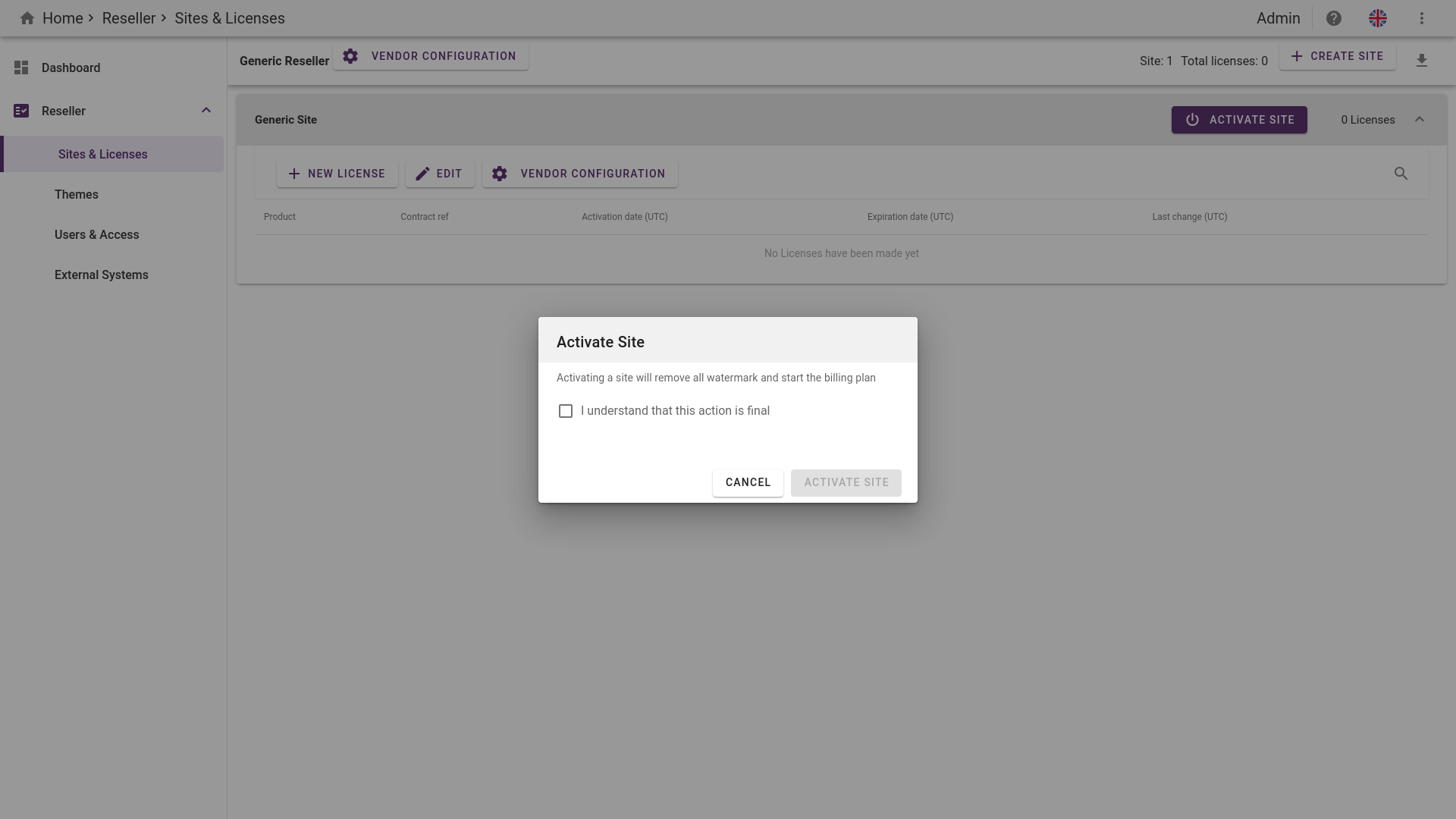
To activate a site, simply click on the "Activate Site" button when you manage a site, which will prompt you with a confirmation dialog. Activating a site will remove the watermark on your screens and activate your billing plan.
¶ Managing users and API-accounts
There are two access levels that can be managed on the reseller level. Both levels can be set on any user or account providing the combined access level.
¶ Account Access
The Account Access scheme allows the user or API account to provision sites and licenses on behalf of the reseller. This role also grants access to add and remove user/API access on the reseller level.
This role does NOT grant access to the sites.
¶ Site Access
Users with the Site Access role can access all of this reseller's sites with the Site Administrator access rights.
This role does not provide any access to administration of the reseller of licenses.
¶ Be notified on system changes
You can choose to be notified be email on specific system changes.
We currently only support notification on creation/deletion of a site and limit changes on a sites license(s).
Navigate to your desired reseller and simply click on the "NOTIFICATION" button.
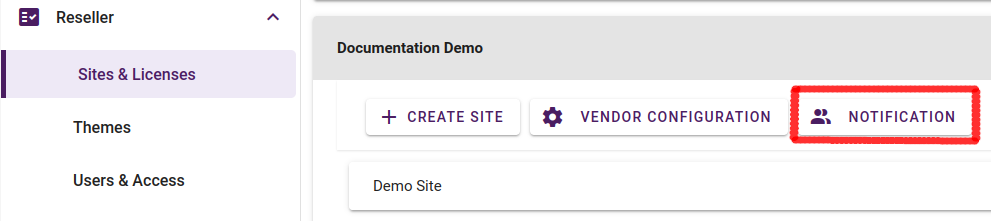
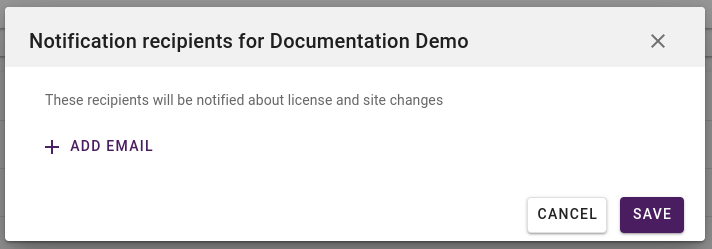
This will open up a pop-up window where you can add/edit email(s) that will receive notifications